
Categories of Software
Computer software is typically divided into:
- System Software:
- Operating Systems (OS): Software that manages computer hardware and software resources (e.g., Microsoft Windows, macOS, Linux, Android, iOS).
- Utility Software: Helps manage, maintain, and control computer resources (e.g., Antivirus, Disk Cleanup, Backup software).
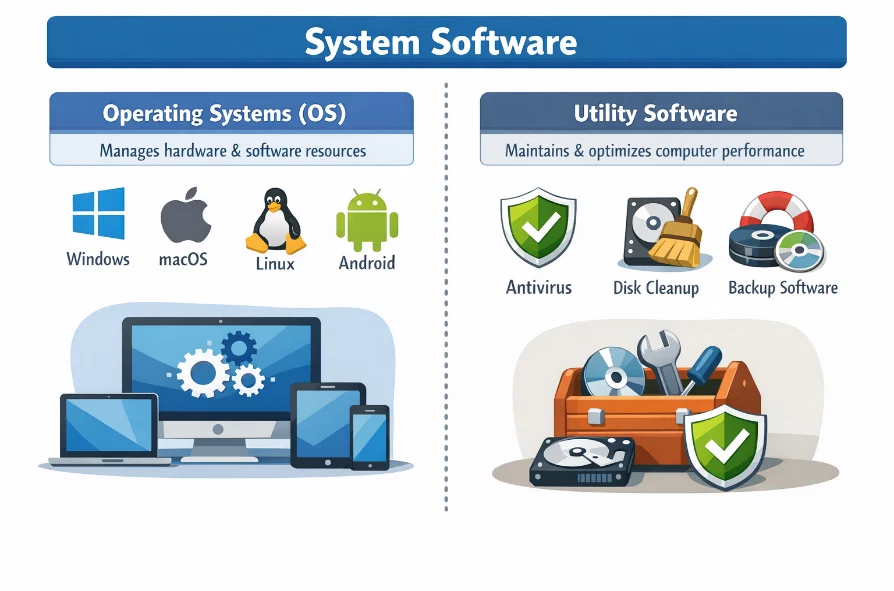
Figure 4: Graphic showing system software; Operating and Utility Software.
- Application Software:
Software designed to perform specific tasks for users. They include;
- Word Processing: Creating documents (e.g., Microsoft Word, Google Docs).
- Spreadsheets: Organizing data and calculations (e.g., Microsoft Excel, Google Sheets).
- Presentation Software: Creating slideshows (e.g., Microsoft PowerPoint, Google Slides).
- Database Software: Storing and managing large amounts of data (e.g., Microsoft Access).
- Web Browsers: Accessing the internet (e.g., Chrome, Firefox).
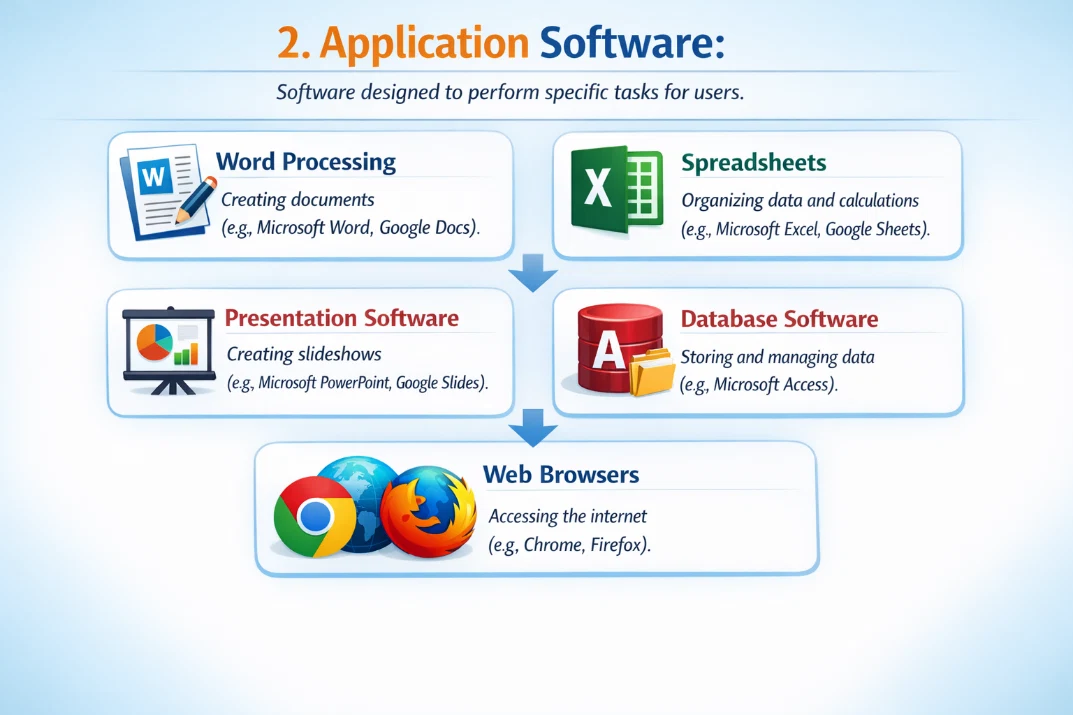
Figure 5: Graphic showing system software.
Use in Workplaces
- Communication: Email clients (Outlook), Video conferencing (Zoom, Teams).
- Accounting: QuickBooks, Sage for managing finances.
- Design: AutoCAD for technical drawing, Adobe Suite for graphics.