
1. Meaning of Visual Programming
Visual programming is a method of creating computer programs using graphical elements such as blocks, symbols, and diagrams instead of relying mainly on written programming commands.
In block-based visual programming, users drag and connect instruction blocks to make a computer perform tasks.
2. Examples of Visual Programming Software
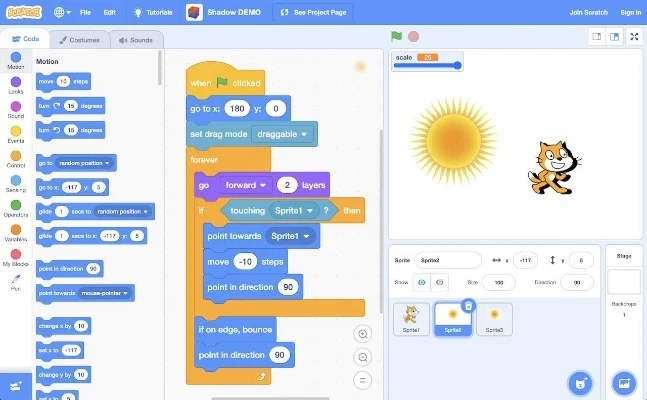
Scratch
Used to create animations, stories, games, and interactive projects.
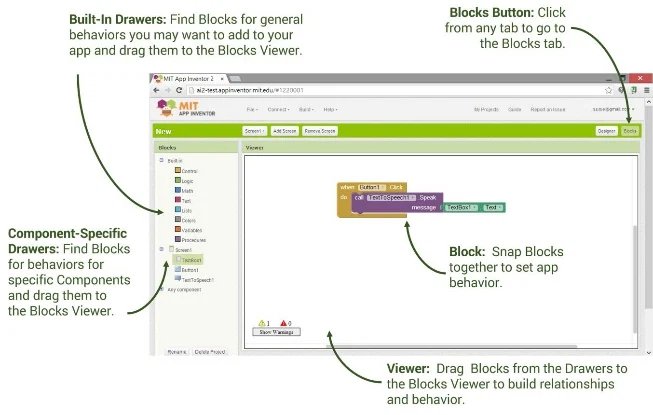
MIT App Inventor
Used to create mobile phone applications.
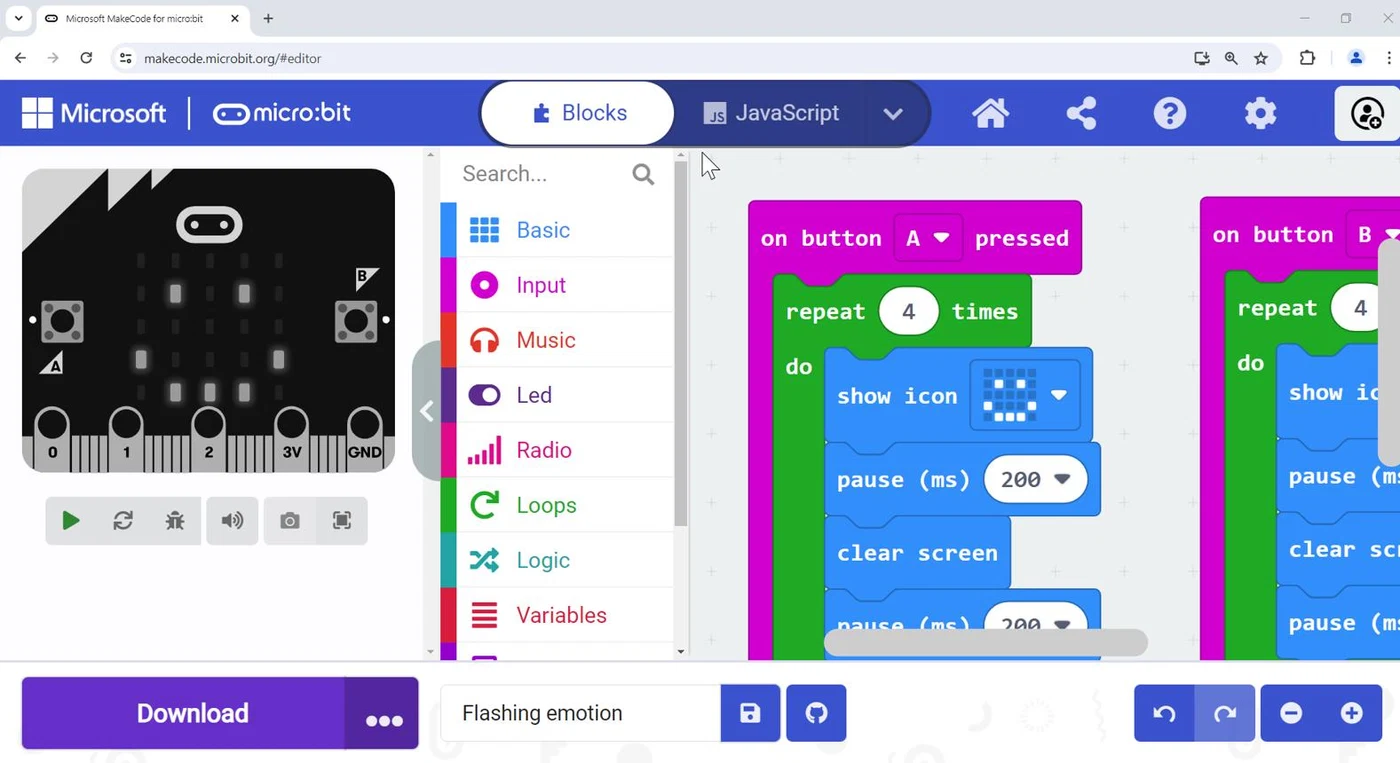
Microsoft MakeCode
Used to teach coding and program supported devices.
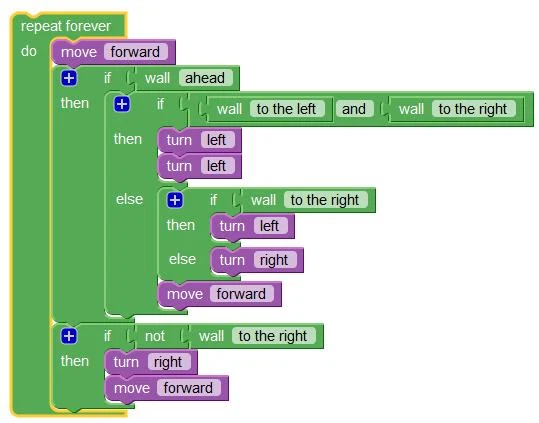
Blockly
Provides blocks for constructing programming instructions.
3. Characteristics of Visual Programming Software
- Uses graphical blocks or symbols.
- Allows users to drag and connect commands.
- Makes programming easier for beginners.
- Reduces the need to memorize complicated commands.
- Supports creativity and problem-solving.
- Allows users to test and correct programs.
- Can be used to develop interactive applications.
4. Application Areas of Visual Programming
|
Application area |
Examples |
|---|---|
|
Education |
Educational games and quizzes |
|
Entertainment |
Computer games and animations |
|
Agriculture |
Simple farm record applications |
|
Business |
Sales and stock calculators |
|
Health |
Health education applications |
|
Transport |
Transport fare calculators |
|
Home management |
Household budgeting applications |
|
Environmental conservation |
Waste sorting educational games |
|
Communication |
Interactive stories and information applications |
5. Common Programming Blocks
A. Motion blocks: Make characters move, turn, or change position.
B. Looks blocks: Change the appearance of characters and display messages.
C. Sound blocks: Play music, sound effects, and recorded audio.
D. Event blocks: Start actions when an event occurs, such as clicking a button.
E. Control blocks: Manage repetition, waiting, and decisions.
F. Sensing blocks: Detect input from users or the environment.
G. Operator blocks: Perform calculations and comparisons.
H. Variable blocks: Store information such as scores, prices, and quantities.
6. Steps in Creating an Application Using Visual Programming
- Identify a problem to solve.
- Decide what the application should do.
- Select suitable visual programming software.
- Design the application's appearance.
- Choose the required programming blocks.
- Arrange the blocks in the correct order.
- Run the program.
- Test whether it solves the problem.
- Correct errors.
- Save and share the completed application.
7. Practical Example: Creating a Shopping Cost Calculator
Problem: A shopper needs to calculate the total cost of purchasing several items.
Software: Scratch or another suitable visual programming environment.
Required inputs:
- Price of one item
- Quantity purchased
Process:
Total cost = Price × Quantity
Example: If one exercise book costs KSh 50 and a learner buys 4 books:
Total cost = 50 × 4 = KSh 200
A simplified Scratch-style program:
When green flag clicked
Ask "Enter item price" and wait
Set price to answer
Ask "Enter quantity" and wait
Set quantity to answer
Set total to price × quantity
Say total
This is a simplified representation of the program logic. Actual block appearance varies across platforms.
8. Importance of Visual Programming in Daily Life
- Develops problem-solving skills.
- Encourages creativity.
- Promotes computational thinking.
- Makes programming accessible to beginners.
- Helps automate simple activities.
- Supports learning through games.
- Encourages innovation.
- Develops digital literacy.
Learning Activities
- Identify examples of visual programming software.
- Open Scratch and explore the available blocks.
- Create an animation of a moving character.
- Develop a simple multiplication calculator.
- Test and correct a program.
- Present an application that solves an everyday problem.
Revision Questions
- What is visual programming?
- Name four visual programming applications.
- State five characteristics of visual programming software.
- Explain four areas where visual programming is used.
- Describe the steps involved in creating a visual programming application.
- State five benefits of visual programming.